A FASHION CONTENT STUDIO
From product
photos to your
next drop.
Ghost imagery, on-model views and campaign content. One connected workflow, with your garment at the centre.
Private access. Personal walkthrough.
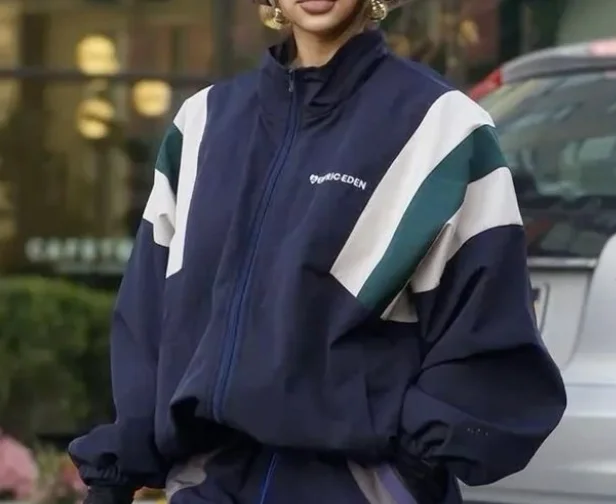
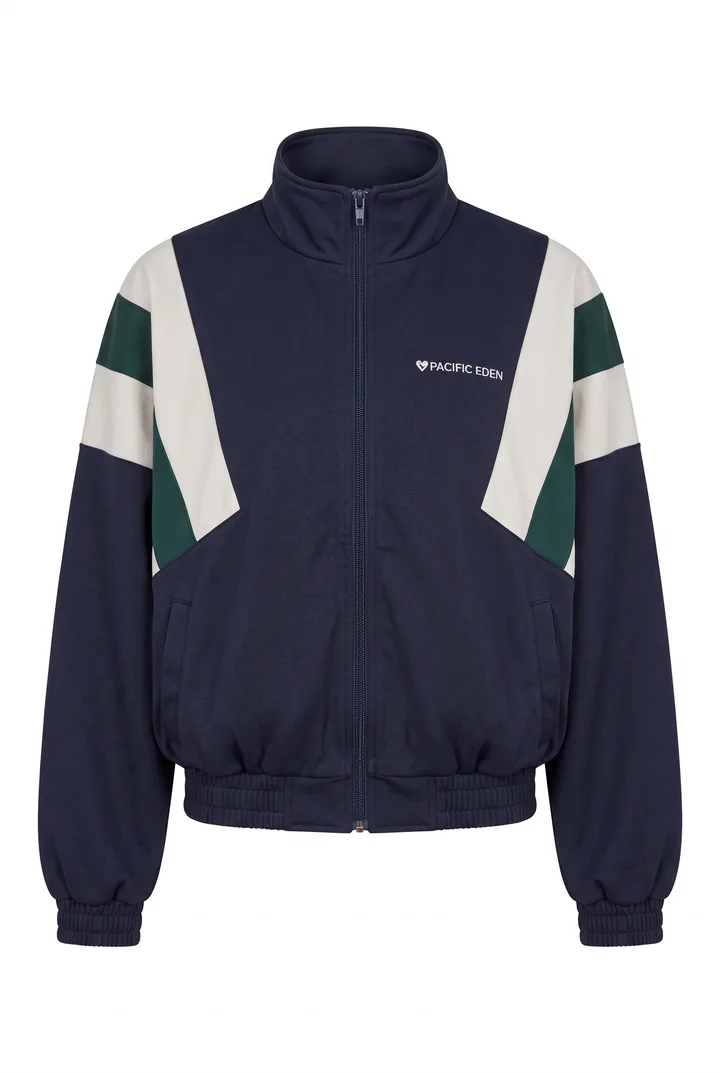
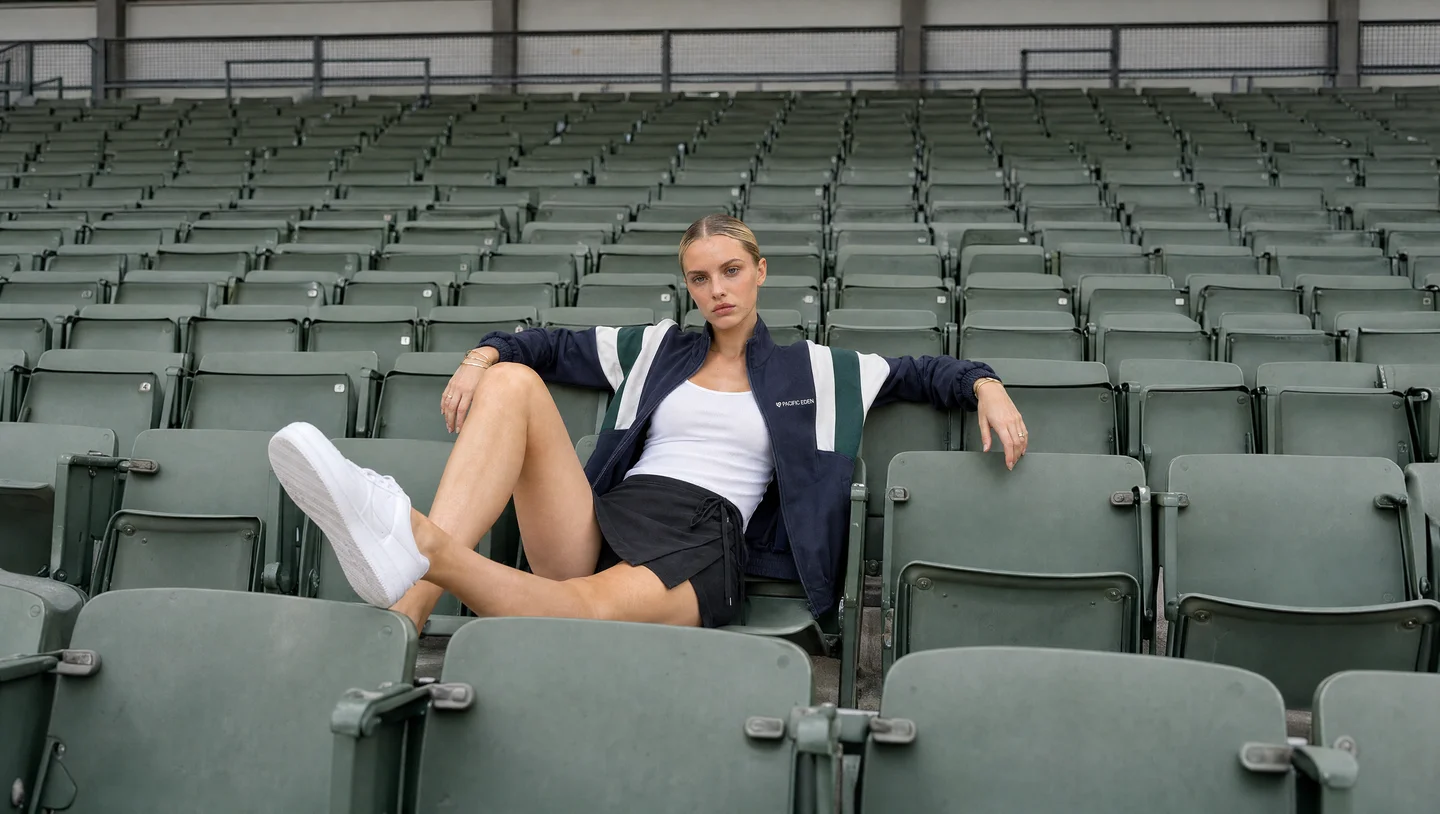
Your garments. Your review. Your creative direction.
THE WORKFLOW
Start with the garment.
Carry the look forward.
Your product photos connect each stage.
You decide which images move on.
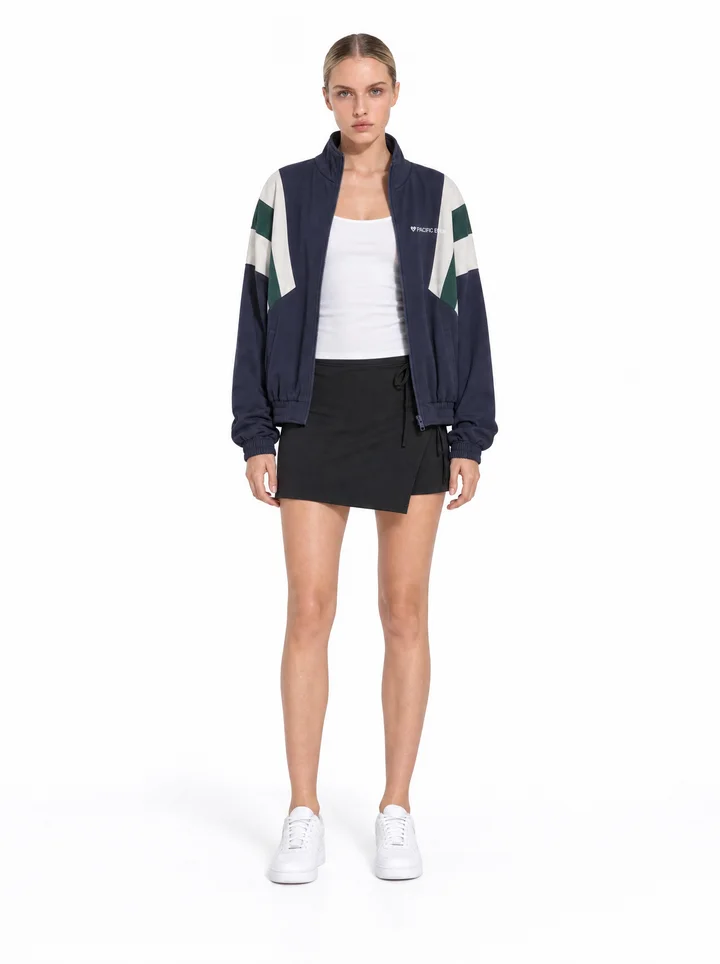
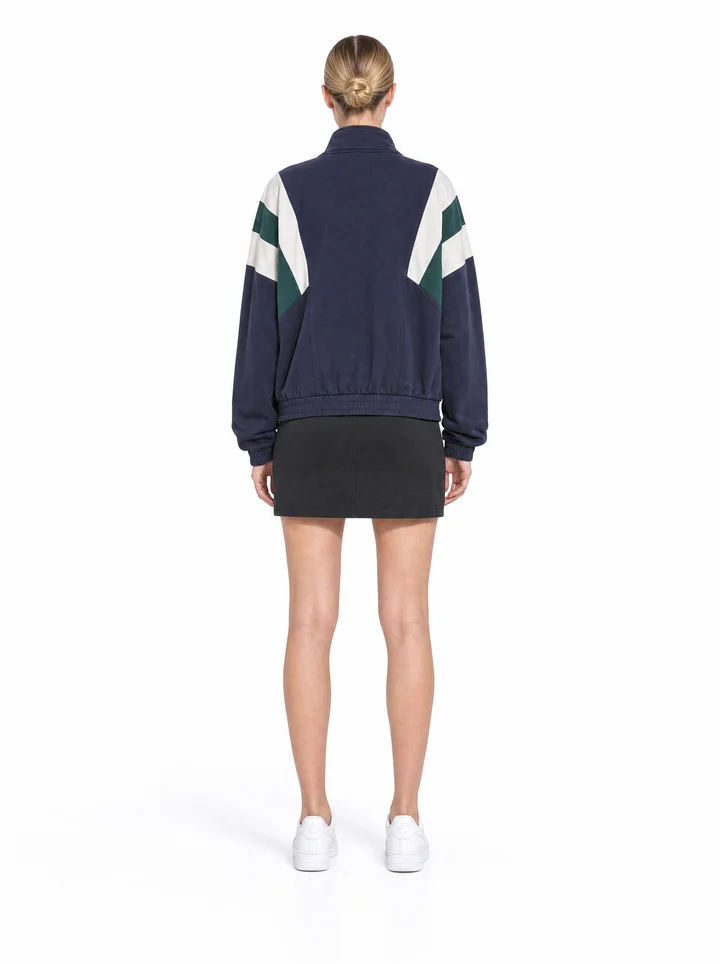
On-model views
Find the look. Review the details.
Bring your garments onto a model. Review the front view before carrying the approved look into the remaining angles.
THE STUDIO
The whole drop.
One place to work.
Keep ghost imagery, looks, campaign stills and videos together. Curate collections for your release and find the files you need.
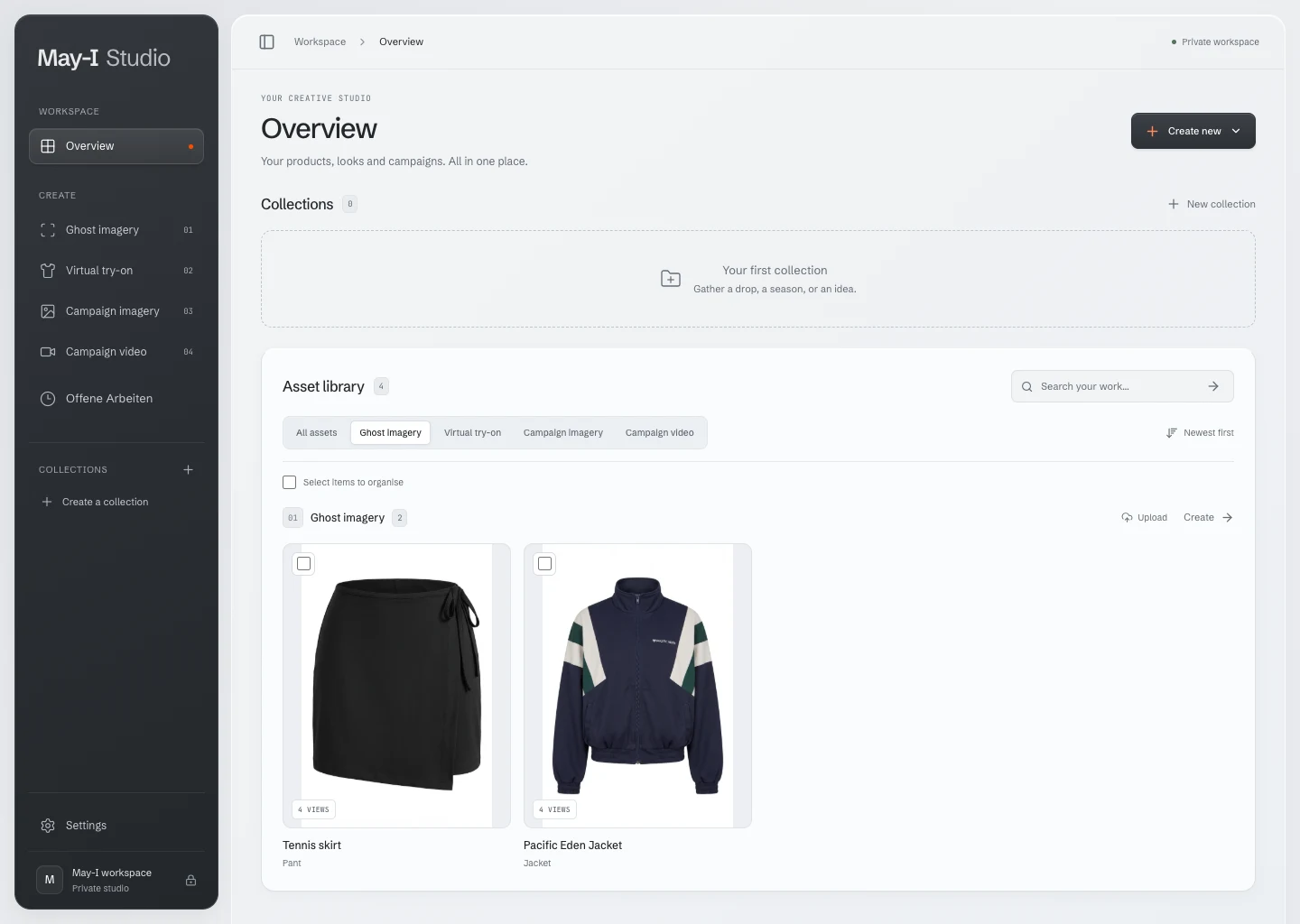
Keep the views together
Find saved garment and outfit sets alongside your campaign assets.
Review before moving on
Check the front try-on before continuing to the other views.
Curate your release
Bring selected assets into collections for your next drop.
A FEW DETAILS
Before we
meet.
A personal demo is a chance to see the workflow and talk about your next release.
Who is May-I Studio for?
Small fashion brands preparing regular e-commerce drops. The workflow brings product photographs, on-model views and campaign content into one studio.
What will I see in a demo?
A personal walkthrough of the garment-to-content workflow, including the front-view review and the asset library. We can discuss the images your next release needs and whether the workflow fits.
Can I sign up and use the studio today?
May-I Studio is currently in private access. Request a demo to explore the workflow with us. Public self-serve access is not open yet.
Do I need to send product files first?
No files are needed to request a demo. We can discuss suitable inputs and file handling during the walkthrough before you share your garments.
LET’S LOOK AT YOUR NEXT DROP
A new way to see
your garments.
Explore May-I Studio with us.
A personal walkthrough, built around your questions.